GPS Map Camera Online vs Mobile Apps: Why No-App Tools Win in 2026
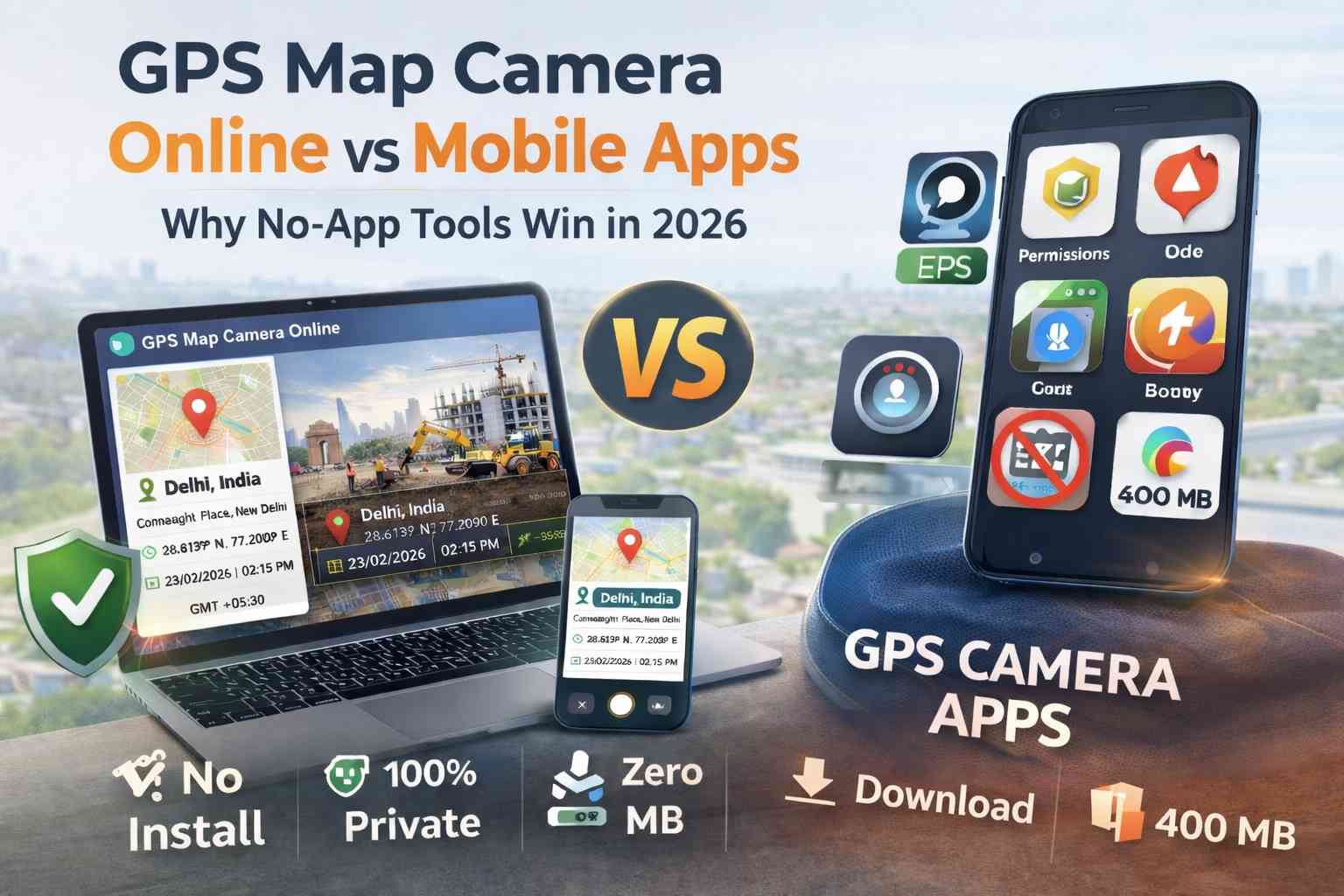
In 2026, the demand for visual location verification on construction site reports, logistics delivery logs, and travel documentation has reached an absolute premium. For years, the default method for adding GPS data and map overlays to a photograph was downloading a bulky, ad-supported mobile application.
However, a major paradigm shift has occurred in field data collection. Savvy engineering firms, real estate professionals, and privacy-conscious users are abandoning the App Store and Play Store in favor of browser-based utilities like the GPS Map Camera Online tool. But why is this "no-app" architecture suddenly taking over? Let’s dive into a technical comparison between client-side web tools and traditional native mobile apps.
Table of Contents
Feature Matrix: Online vs. Mobile Apps
When comparing these two methodologies, we analyzed the metrics that critically impact field workers and corporate IT departments. The data shows a definitive operational advantage for web-based utilities.
| Operational Metric | GPS Map Camera Online | Standard Mobile Apps |
|---|---|---|
| Deployment / Installation | None (Instant Browser Access) | Requires Store Download & Approval |
| Data Privacy Security | 100% Local Client-Side Processing | Cloud Uploads & Data Harvesting Common |
| Storage Footprint | Zero MB (Runs in RAM) | 150MB - 450MB per device |
| Account Requirements | No Sign-up or Login Required | Mandatory Registration / Paywalls |
| Software Updates | Automatic (Always the latest version) | Manual App Updates Required |
| Battery Consumption | Low (Standard HTML5 API usage) | High (Persistent Background Telemetry) |
Speed & The "Zero-Install" Advantage
In the field, friction costs money. Imagine a sub-contractor or a site inspector who arrives at a location and needs to document a critical structural issue immediately. With a native mobile app, they must open the app store, wait for a 200MB download over a weak cellular connection, grant a half-dozen system permissions, and potentially navigate a forced account creation screen. This onboarding process can burn 5 to 10 minutes.
Utilizing an online GPS map camera eliminates this onboarding friction entirely. The user simply taps a URL hyperlink, grants browser location access, and is instantly ready to shoot. This "Zero-Install" architecture is exceptionally valuable for managing temporary teams, gig-economy workers, or third-party vendors who refuse to clutter their personal devices with one-off corporate software.
Privacy Security & Background Tracking
Native applications often request "Always On" location permissions alongside access to your contacts, local files, and microphone. This aggressive permission structure allows app developers to persistently track user movements and sell that telemetry data to third-party brokers. For corporate compliance and personal safety, this is a massive liability.
Browser-based tools operate within a secure sandbox. They only have access to your device's HTML5 Geolocation API for the exact seconds the browser tab is actively open and focused. Furthermore, our tool specifically utilizes client-side canvas rendering. This means the visual stamping process happens in your device's local memory; your sensitive project photos are never uploaded to our servers. For users looking to strictly add location to photos without relying on trackable EXIF data, web utilities are the only privacy-guaranteed solution.
Device Storage and Battery Drain
Modern native apps suffer from extreme code bloat. A simple camera app can consume upwards of 400MB of storage while running persistent background processes that passively drain your battery. If a surveyor is working in a remote field all day without access to a charger, battery management is a mission-critical factor.
Web utilities are entirely "stateless." They leverage the highly optimized rendering engines already built into Chrome or Safari. By shifting to a web tool, you eliminate background battery drain and keep your phone's physical storage completely free for capturing actual high-resolution photos and 4K videos.
Bypassing MDM & Cross-Platform Consistency
A frequent nightmare for corporate IT departments is Mobile Device Management (MDM). If a company issues managed phones to its fleet, IT must manually whitelist, deploy, and update native apps across the entire network. Furthermore, the iOS version of an app often differs significantly from the Android version, leading to inconsistent field reports.
A GPS camera without an app download bypasses MDM restrictions entirely. Because it is a website, it works universally. Whether your team is using an iPhone 15 Pro, a budget Android tablet, or a ruggedized Windows laptop, the user interface, the toolset, and the final stamped output remain 100% identical.
The Final Technical Verdict
While native mobile apps might still hold a niche advantage for highly specialized offline topography mapping, for 95% of standard professional users—including construction inspectors, property managers, and delivery logistics—GPS Map Camera Online is objectively superior. It delivers unmatched deployment speed, guaranteed data privacy, and zero impact on device performance.
Frequently Asked Questions
Ready to upgrade to a faster workflow?
Stop waiting for heavy app downloads. Start stamping professional location data onto your photos instantly in your browser.
Try GPS Map Camera Online Now
Priyanshu built GPS Map Camera Online after running into privacy issues and slow performance with traditional mobile GPS camera apps. He specialises in browser-based tools for field documentation and photo geotagging — keeping everything fast, private, and free.
View all posts →