How to Add GPS Location to Photos Online (Free & No App)
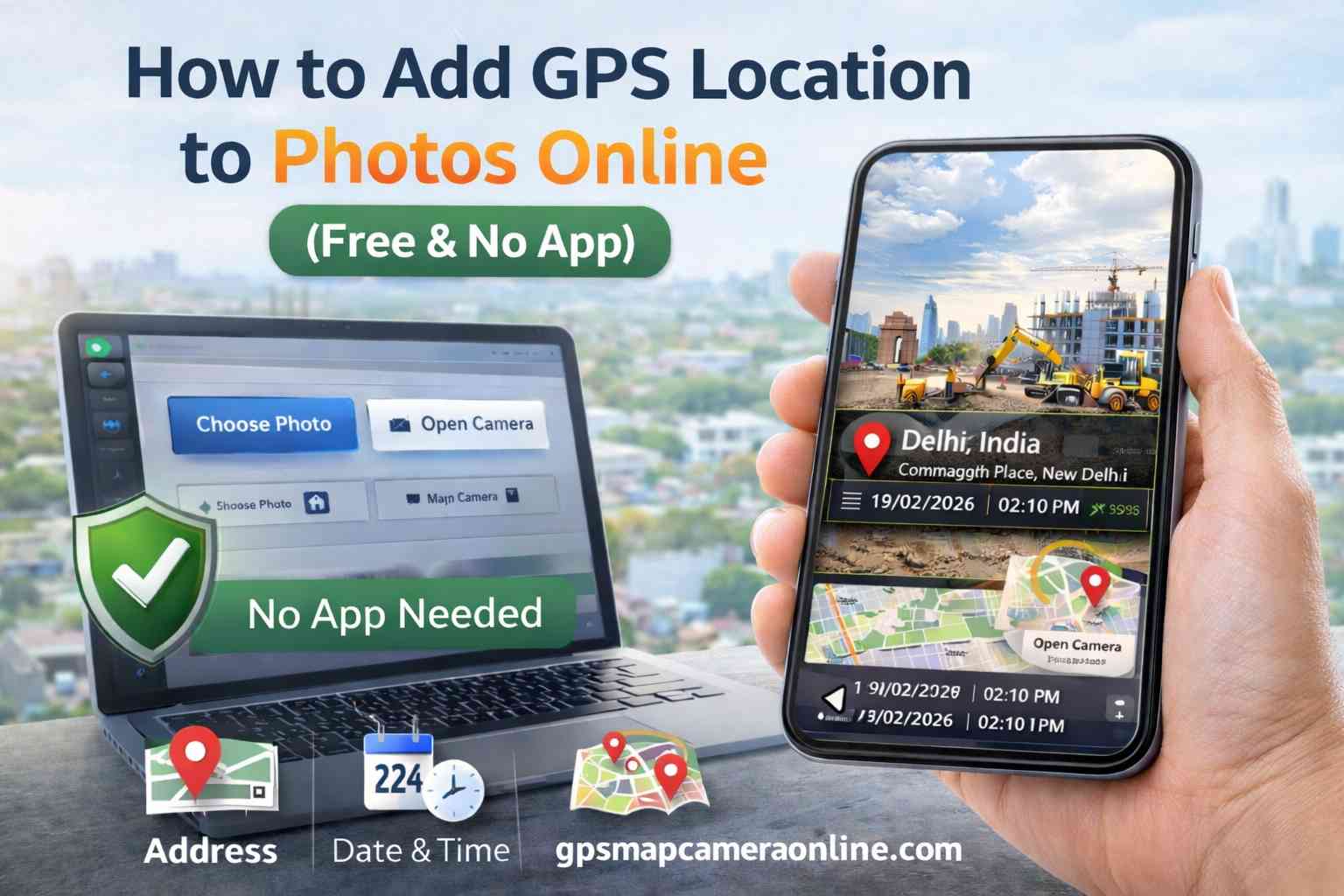
In today's fast-paced professional landscape, a simple image is rarely enough to close a compliance report, finalize a real estate listing, or verify a commercial insurance claim. Professionals require undeniable proof of exactly where and when a photograph was captured.
While modern smartphones have sophisticated built-in GPS capabilities, that location data is stored as fragile, hidden metadata that is easily lost during file sharing. This technical guide will walk you through the most efficient, privacy-first method to add GPS location to photos online using a browser utility, completely eliminating the need for bulky app store downloads.
Table of Contents
Why Visual Stamps Outperform Hidden EXIF Data
Many users mistakenly assume that because their smartphone's "Location Tags" setting is turned on, their photos are permanently geotagged. While this is technically true—the location is embedded into the file's EXIF (Exchangeable Image File Format) header—this data is "invisible" to the average viewer.
More importantly, hidden metadata is highly volatile. When you share an image via WhatsApp, Slack, or upload it to a web portal, aggressive compression algorithms intentionally strip the EXIF data to protect consumer privacy. By utilizing a visual GPS stamp, the latitude, longitude, and timestamp are physically rendered into the pixels of the image. As explored in our guide on mapping without EXIF, visual stamping guarantees your location data remains permanent and unchangeable, regardless of how the file is shared.
The Tech: How Browser Geolocation Works
How does a website know your exact location without installing an app? Modern web browsers (like Chrome, Safari, and Edge) utilize the highly secure HTML5 Geolocation API.
When you access an online GPS Map Camera, the browser securely requests a temporary connection to your device's physical GPS hardware (GNSS chip), local Wi-Fi positioning nodes, and cellular towers. Unlike native mobile apps that can silently harvest your background location 24/7, a web browser only accesses your location when the specific tab is actively open and you have granted explicit, one-time permission. This results in identical sub-meter accuracy with vastly superior privacy.
How to Add GPS Location to Photos Online (Step-by-Step)
Our utility condenses complex GIS (Geographic Information System) mapping logic into a frictionless, three-step workflow:
Step 1: Initiation & Capture
Navigate to the GPS Map Camera Online homepage. You have two distinct options: Click "Choose Photo" to upload an existing, unstamped JPEG from your local storage, or click "Open Camera" to capture a live, timestamped photograph directly through your browser's camera interface.
Step 2: Authorization & Calibration
A system popup will appear asking for location access. You must click "Allow." The tool will instantly triangulate your position, fetching your exact latitude, longitude, and a reverse-geocoded street address. A live map will appear in the interface to help you visually confirm the accuracy. Need to label a specific building? Use the "Project Name" field to add custom contextual notes.
Step 3: Customization & Rendering
Scroll through the Template Gallery. You can select a minimalist text-only design, or choose a robust "Separated Boxes" layout that includes a high-resolution map thumbnail. Once you are satisfied with the preview, click "Save Stamped Photo." The image is compiled locally in your browser and saved directly to your device's downloads folder.
Professional & Regulatory Use Cases
Visual photo stamping has rapidly transitioned from a convenience feature to a strict regulatory requirement across global industries:
- Civil Engineering: Documenting the exact highway pillar or foundation segment being inspected in remote areas where standard street addresses do not exist.
- Government & Municipalities: Verifying land records, zoning violations, and state-funded project completions. A photo with a hard-coded satellite coordinate stamp is exceptionally difficult to dispute in arbitration.
- Insurance Adjustments: Providing irrefutable proof that a disaster or accident claim was indeed photographed at the claimant's insured physical address.
- Remote Workforce Attendance: Corporations now accept GPS-stamped "site selfies" as verifiable proof of attendance for contractors working in unconnected rural areas.
The Privacy Factor: Client-Side Processing
The greatest risk associated with "Free GPS Apps" found in mobile app stores is silent data harvesting. App developers frequently monetize by selling your background movement history to advertising brokers.
Our tool strictly utilizes Client-Side Processing. This means the complex rendering of the map, text, and photo happens locally on *your* device's processor (RAM), inside *your* browser. Your private site photos never touch a remote cloud server, ensuring 100% GDPR and CCPA compliance for sensitive corporate data.
Technical Tips for Pinpoint GPS Accuracy
To ensure your visual stamps achieve maximum satellite precision, adhere to these technical best practices:
- Eliminate Signal Bounce: GPS signals bounce off concrete walls and metal roofs, causing "GPS drift." For high-accuracy site reports, always step outdoors to establish a clear line-of-sight to the sky.
- Wait for the Satellite Lock: Give the browser API 5 to 10 seconds to "lock" onto a signal. While initial cellular triangulation is fast, connecting to multiple GNSS satellites takes a few seconds and provides exponentially higher precision.
- Enable Wi-Fi Scanning: Even if you are not connected to a network, turning on your device's Wi-Fi allows the location API to scan nearby routers, vastly improving urban location accuracy.
🏆 Quick Verdict
When evaluating GPS Map Camera Online vs Native Mobile Apps, the web-based browser utility is the definitive winner for 2026. It delivers unparalleled data privacy, zero storage impact, and immediate cross-platform compatibility.
Frequently Asked Questions
Ready to make your location data permanent?
Join thousands of professionals using our tool to geotag their reports daily. Fast, free, and no app required.
Start Stamping Photos Now
Priyanshu built GPS Map Camera Online after running into privacy issues and slow performance with traditional mobile GPS camera apps. He specialises in browser-based tools for field documentation and photo geotagging — keeping everything fast, private, and free.
View all posts →